Free up iPhone and iCloud photo storage
Big videos, made small.
Large videos fill your iCloud faster than anything else you keep. Tiny Mighty makes a smaller copy of each one, lets you compare the two, and keeps every original until you confirm the delete. It also clears the extra shots of your bursts and old screen recordings, at no charge.
 Coming soon
For iPhone, iPad and Mac.
Five videos. That is one real run on our own iPhone. Every library is different, so the free scan measures yours before you decide anything.
How it works
You see the space first. Compare every copy with its original before you delete anything.
-
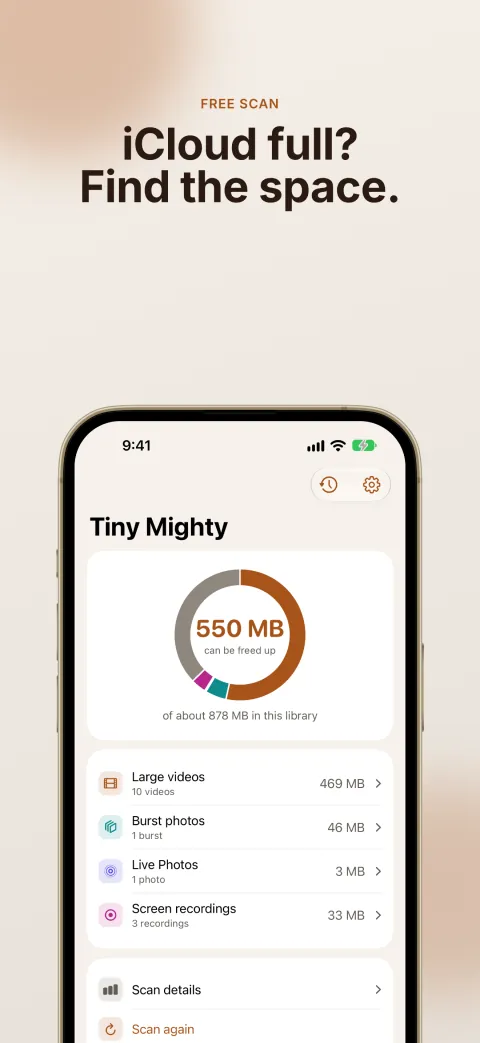
1Scan
See how much space your library can give back. The scan is free.
-
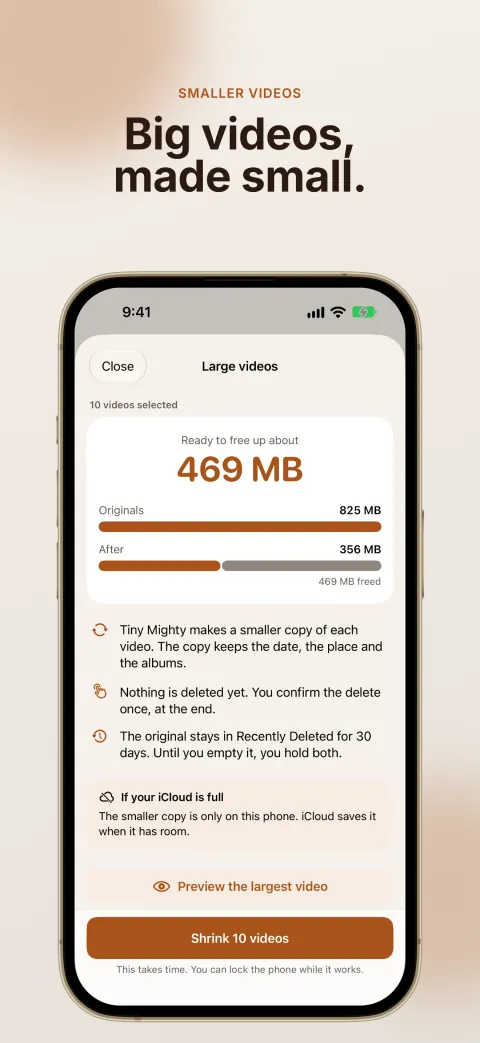
2Shrink
Choose your videos. Tiny Mighty makes a smaller copy of each one. The copy keeps the date, the place and the albums of the original.
-
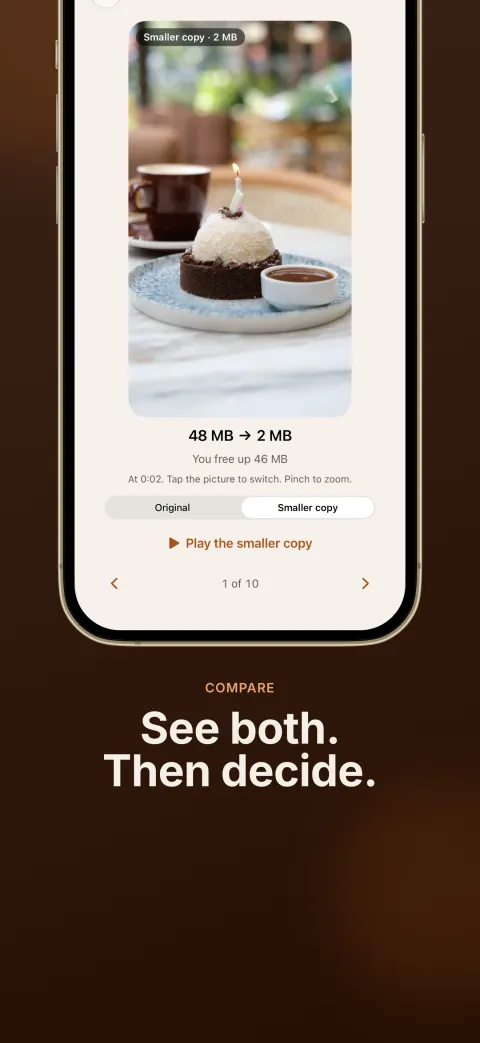
3Compare
Tap to switch between each copy and its original. When you are happy, delete the originals in one step.
-
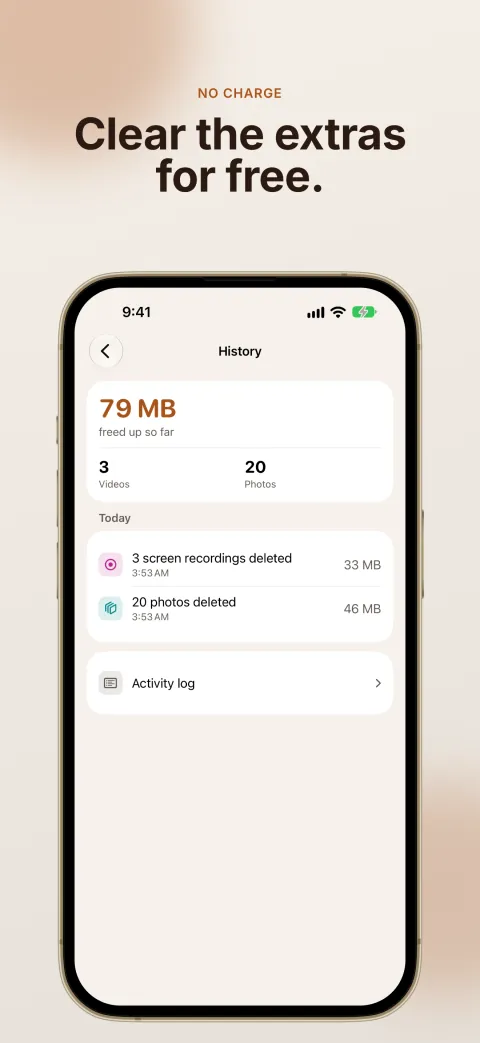
4Clear the extras
Clear the extra shots of your bursts and the screen recordings you forgot about, at no charge. Tiny Mighty keeps the best photo of each burst, plus your favorites and the photos you picked.
Safe by design
- Tiny Mighty changes nothing until you select items and confirm them. iOS asks you before every delete.
- See how a video will look as a smaller copy before you start. The preview is free.
- Every copy is checked before its original is deleted: it must be smaller, as long as the original, and keep the sound and the color.
- If a smaller copy would not save enough space, Tiny Mighty keeps the original and moves on.
- Cinematic, spatial and slo-mo videos are left as they are.
Good to know
- Your storage goes up before it goes down. Tiny Mighty makes each copy before anything is deleted, and iOS holds every deleted original in Recently Deleted for 30 days. Empty Recently Deleted in Photos to get the space back. iCloud can take a day to show it.
- If your iCloud is full, a new copy is only on your device at first. iCloud saves it when it has room.
- A run can keep going while your screen is locked or you use other apps. If iOS stops it, every finished copy is kept.
Pricing
Making large videos smaller needs a purchase. You do not pay for the scan, burst photos or screen recordings.
No charge
$0
- The scan
- The preview
- Burst photos
- Screen recordings
Yearly
$14.99 a year
Renews by itself each year until you cancel it in Settings.
Covers everyone in your Family Sharing group.
Lifetime
$29.99 once
One payment. It never renews.
Covers everyone in your Family Sharing group.
There is no trial. The free scan and the preview show you what you get before you pay. Prices are in US dollars. The App Store shows the price for your country.
Stay on your iCloud plan.
Scan your library for free, and see how much space it can give back.
Coming soon